GTM and Page Speed: Why Google Tag Manager Slows Your Site Down
GTM is one script tag, but it's rarely one script's worth of cost. Here's what's actually happening to your Core Web Vitals when you add tags — and how to keep tracking without tanking your Lighthouse score.
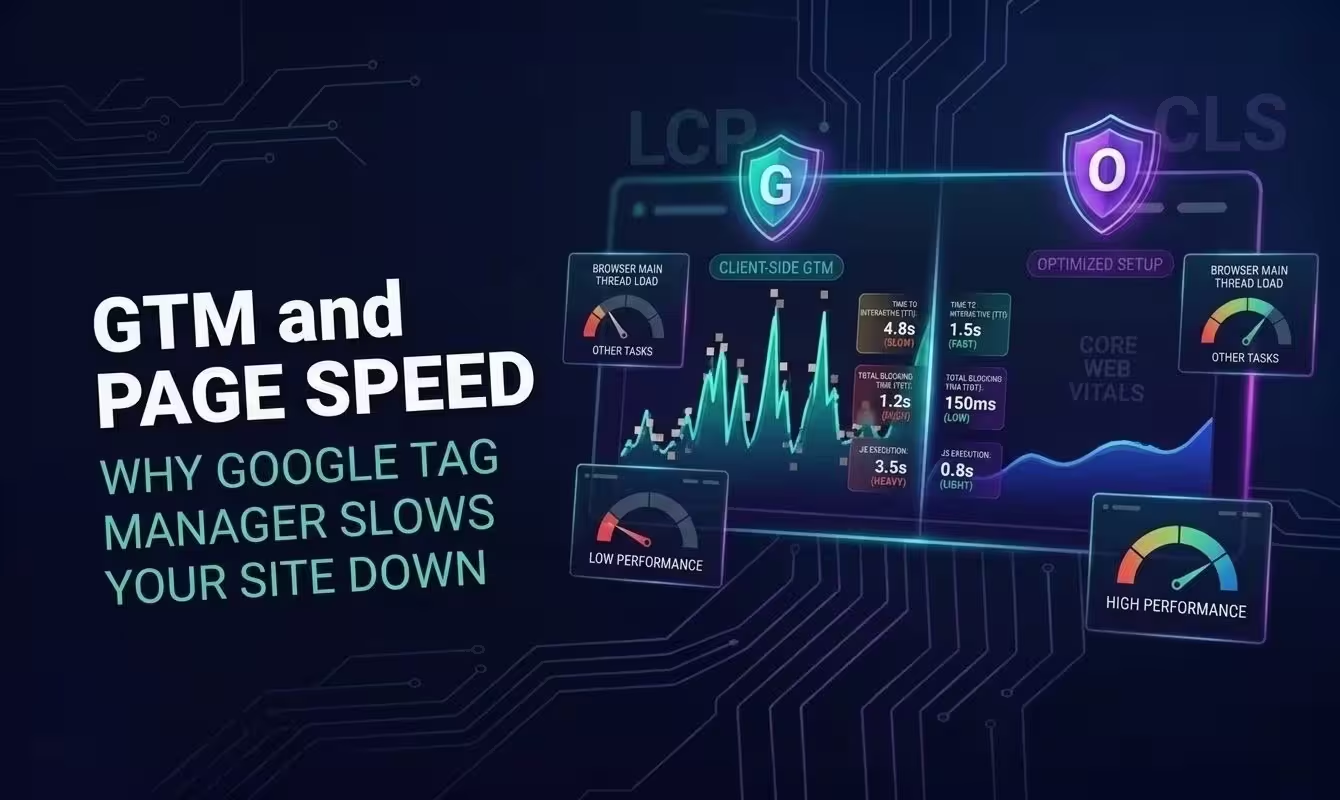
1. Why GTM Affects Page Speed
gtm.js on its own is a small, fast container script. The real cost lives in what teams load through it. Adding a tag through GTM is so easy that containers just accumulate them over time — GA4, Google Ads, Meta Pixel, LinkedIn Insight, Hotjar, a chat widget, an A/B testing tool, a handful of custom HTML snippets somebody added for a campaign two years ago and never removed.
Every one of those is a separate third-party script, each with its own request, parse time, and execution cost. GTM doesn't erase that cost. It just hides it behind one UI, so it's easy to lose track of how much you've actually stacked onto every page load.
Five well-behaved tags barely register. Twenty tags, several set to fire on "All Pages" and several dragging in their own heavy SDKs, is a different story — that's where Lighthouse scores and Core Web Vitals start dropping, especially on the CPU-limited end of the mobile spectrum.
2. What Actually Happens When GTM Loads
Walking through the load sequence shows why the cost compounds instead of staying flat as tags get added.
Browser requests gtm.js
Blocking network request to googletagmanager.com — render-blocking if placed in <head> without async.
GTM container parses & evaluates triggers
Every tag's firing rules are evaluated on the main thread before any tag can fire.
Each tag fires its own request
GA4, Ads, Pixel, Hotjar — each is a separate script load, each with its own parse/execute cost.
Tags execute callbacks & listeners
Scroll trackers, click listeners, session recorders — all add ongoing main-thread work, not just a one-time load.
3. Impact on Core Web Vitals
There's some irony in Google ranking partly on Core Web Vitals while its own tag manager is a frequent cause of Core Web Vitals problems. Here's where GTM setups typically bleed points.
| Metric | Typical Effect |
|---|---|
| LCP (Largest Contentful Paint) | Delayed |
| INP (Interaction to Next Paint) | Degraded |
| CLS (Cumulative Layout Shift) | Often worsened |
| TBT (Total Blocking Time) | Increased |
4. How to Load GTM Without Hurting Page Speed
None of this means ripping GTM out. It means treating the container as the pile of third-party scripts it actually is, and being deliberate about when each one gets to run.
The snippet itself
The mistake shows up early, usually: GTM's snippet pasted in as a plain synchronous <script> tag near the top of <head>. The browser stops parsing the rest of the page and just waits for gtm.js to download and run before it can move on.
<head> <script src="https://www.googletagmanager.com/gtm.js?id=GTM-XXXXXXX"> </script> <!-- Parser waits here until gtm.js --> <!-- has downloaded AND executed --></head><head> <script> (function(w,d,s,l,i){w[l]=w[l]||[]; w[l].push({'gtm.start': new Date().getTime(), event:'gtm.js'}); var f=d.getElementsByTagName(s)[0], j=d.createElement(s),dl=l!='dataLayer'? '&l='+l:''; j.async=true; j.src='https://www.googletagmanager.com/gtm.js?id='+i+dl; f.parentNode.insertBefore(j,f); })(window,document,'script','dataLayer','GTM-XXXXXXX'); </script> <!-- j.async=true lets the parser continue --></head>Deferring the load until after page load
async still fetches, parses, and executes gtm.js as soon as the browser has a free moment — which is frequently still inside the LCP/TBT measurement window, competing with images and fonts for the same bandwidth and main-thread time. A more reliable fix, and one that doesn't require betting on user interaction, is waiting for the browser's own load event before injecting the snippet. Every other critical resource has already finished by then, so nothing's left to compete with — and every visitor still gets GTM shortly afterward regardless of whether they do anything.
<script>(function(w,d,s,l,i){ /* ...gtm.js loader... */ }) (window,document,'script','dataLayer','GTM-XXXXXXX');</script><!-- fetch + parse + execute happen --><!-- as soon as the browser is free — --><!-- often still inside the LCP/TBT window -->window.addEventListener('load', function() { (function(w,d,s,l,i){ /* ...gtm.js loader... */ }) (window,document,'script','dataLayer','GTM-XXXXXXX');});// Fires after images, stylesheets, and other// scripts have finished — GTM no longer competes// with them for bandwidth or main-thread timeEvery visitor still gets GTM this way, so there's no coverage lost the way there is with interaction-based deferral. The trade is just a slightly later start, and that's rarely an issue since events fired before GTM initializes queue safely in dataLayer and get processed the moment the container comes online.
Non-critical tag triggers
Tags set to fire on the container's built-in All Pages trigger all fight for the main thread during initial render, session recorders and chat widgets included, and neither of those actually needs to load right away.
Trigger: All PagesTags attached: GA4, Ads, Pixel, Hotjar, Chat Widget, A/B Test SDK // All 6 tags fetch + parse + execute// before or during the initial renderTrigger: All PagesTags attached: GA4, Ads, Pixel (needed for attribution on every view) Trigger: Custom Event "engaged" (dataLayer.push after scroll depth 50% or 5s dwell time)Tags attached: Hotjar, Chat Widget, A/B Test SDKLoad the snippet asynchronously
The standard async snippet, not a synchronous <script> tag stuck early in <head> — that's what keeps gtm.js off the parser's critical path.
Trigger non-critical tags later
Page load isn't a requirement for every tag. Scroll depth, a time delay, or an interaction trigger moves the cost past the initial render instead of into it.
Audit and remove unused tags
Containers almost never get cleaned up on their own. Spend 20 minutes in Tag Manager's version history and you'll usually find tags nobody's checked data on in a year.
Use GTM's built-in trigger groups sparingly
It's easy to fire more than intended once several tags share one trigger. Go check what's actually hanging off 'All Pages' or 'Page View.'
Prefer lightweight, first-party-routed tags
A full third-party SDK for a single event is often overkill — route through your own domain where you can instead.
Measure with real user data, not just Lighthouse
Lab data misses plenty. Field data — CrUX, RUM — is what actually tells you what mobile users on real networks experience.
5. Does Server-Side GTM Solve This?
It helps, but only up to a point. Moving tag processing server-side takes most of the individual third-party scripts off the browser — GA4, Ads, and Pixel stop each loading their own client-side SDK, and the browser just ships events to your server container instead. That's a genuine page-speed improvement.
What it doesn't do is eliminate the client-side cost. A loader script still has to run to collect events and hand them off to the container, and that loader is exactly what adblock filter lists commonly block. Pages depending on it lose both some tracking coverage and some of the performance win, for the ~25–40% of visitors running an adblocker.
What server-side GTM really trades is a pile of third-party scripts for infrastructure you now have to run — worth it if you need server-side enrichment or consent enforcement, but it's not a page-speed fix by itself while the loader stays blockable for a chunk of traffic.
6. Frequently Asked Questions
Does Google Tag Manager slow down page speed?
In most real setups, yes. The loader itself is small, but every tag configured inside it brings its own network request and JS execution along. Get to 15-20 tags in a container and you're often adding hundreds of milliseconds of main-thread work, which shows up directly in LCP, INP, and TBT.
How do I stop GTM from blocking page render?
Load the snippet async, keep it as late in <head> as you reasonably can (or move it to <body>), and stop firing non-critical tags on 'All Pages.' Scroll depth, a time delay, or an interaction trigger keeps them out of the initial render's way.
Does loading GTM on the page load event improve page speed more than async?
It does. Async just means the browser fetches and executes gtm.js the moment it's free, which is often still inside the window LCP and TBT get measured in, competing with images and fonts for the same resources. Wait for window's load event instead and GTM only starts once everything else has already finished, with no competition left. And unlike deferring to a user interaction, this way every visitor still gets GTM shortly after — nothing about tracking coverage changes.
Does removing GTM improve Lighthouse scores?
Usually, since every tag's script cost goes with it. But pulling GTM out entirely isn't realistic for most teams. Trimming and deferring what's inside the container gets you most of the same win without losing the container.
Does server-side GTM fix the page speed problem?
Only partly. Tag processing moves off the browser, so the client stops loading a pile of separate third-party scripts. The client-side loader (gtm.js) still has to run to collect and forward events to the server container, though, so some of that page-speed cost sticks around regardless.
One lightweight script instead of a growing tag list
One small script recovers what adblockers block, and nothing else stacks up inside your GTM container because of it. Free to start, no card needed.